
Neovim has been my main text-editor for almost 2 years. It’s had a fairly profound impact on my view of development environments and the way I think about software development in general.
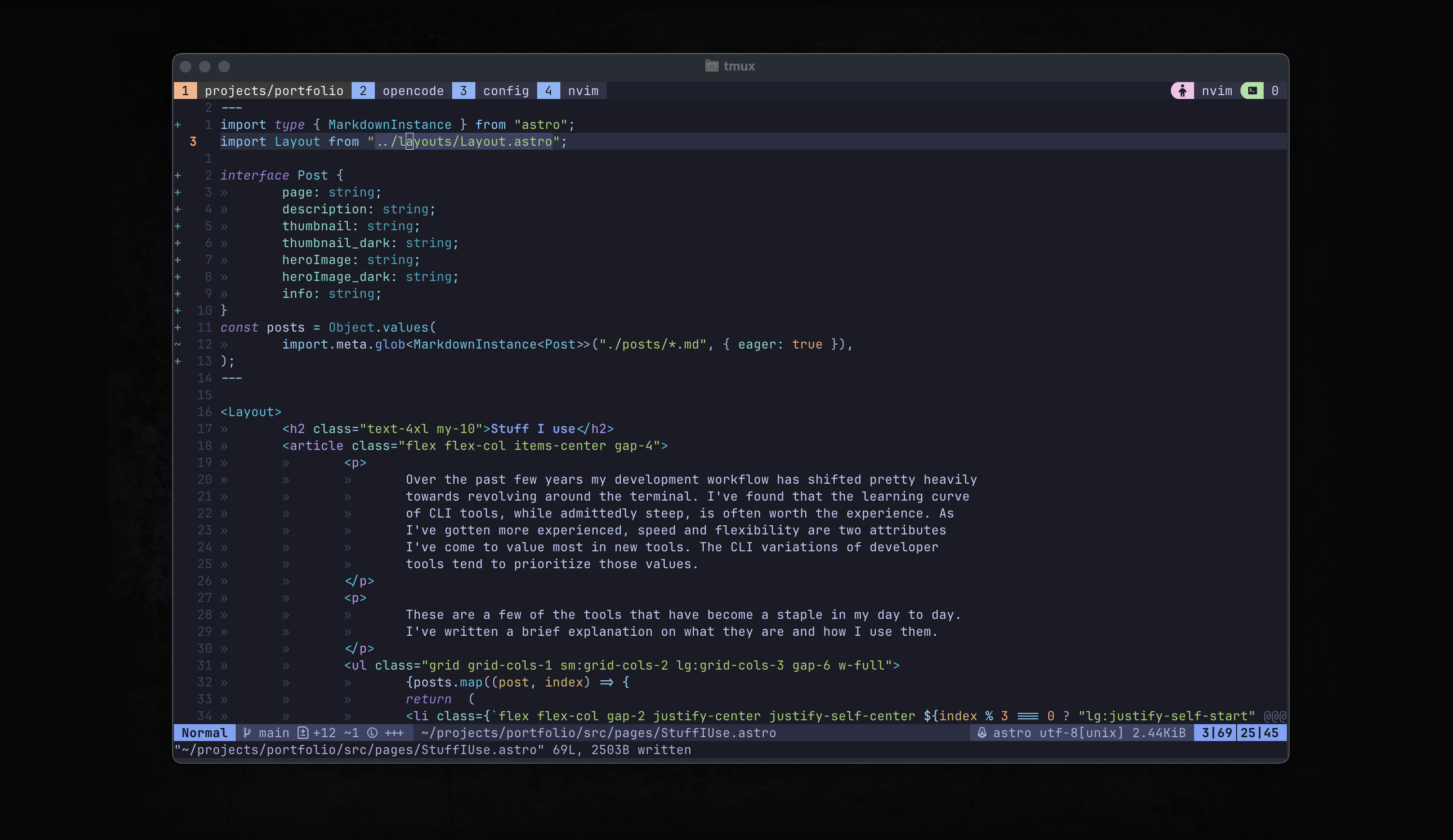
Before being exposed to Neovim, I had never put a significant amount of thought into my tooling. I had always maintained surface level knowledge of my environment and leaned on GUI’s to abstract the underlying processes away.
While configuring Neovim you’ll encounter issues and problems that hadn’t previously entered your consciousness in a traditional IDE. Neovim’s intentionally minimal out-of-the-box configuration encourages you to explore the extensive plugin ecosystem and to set up a development that is tailored to you creating what people refer to as a PDE (Personal Development Environment)
Before you know it you’re learning a new language to manage a process that you previously didn’t even know existed. It’s a bit addicting.
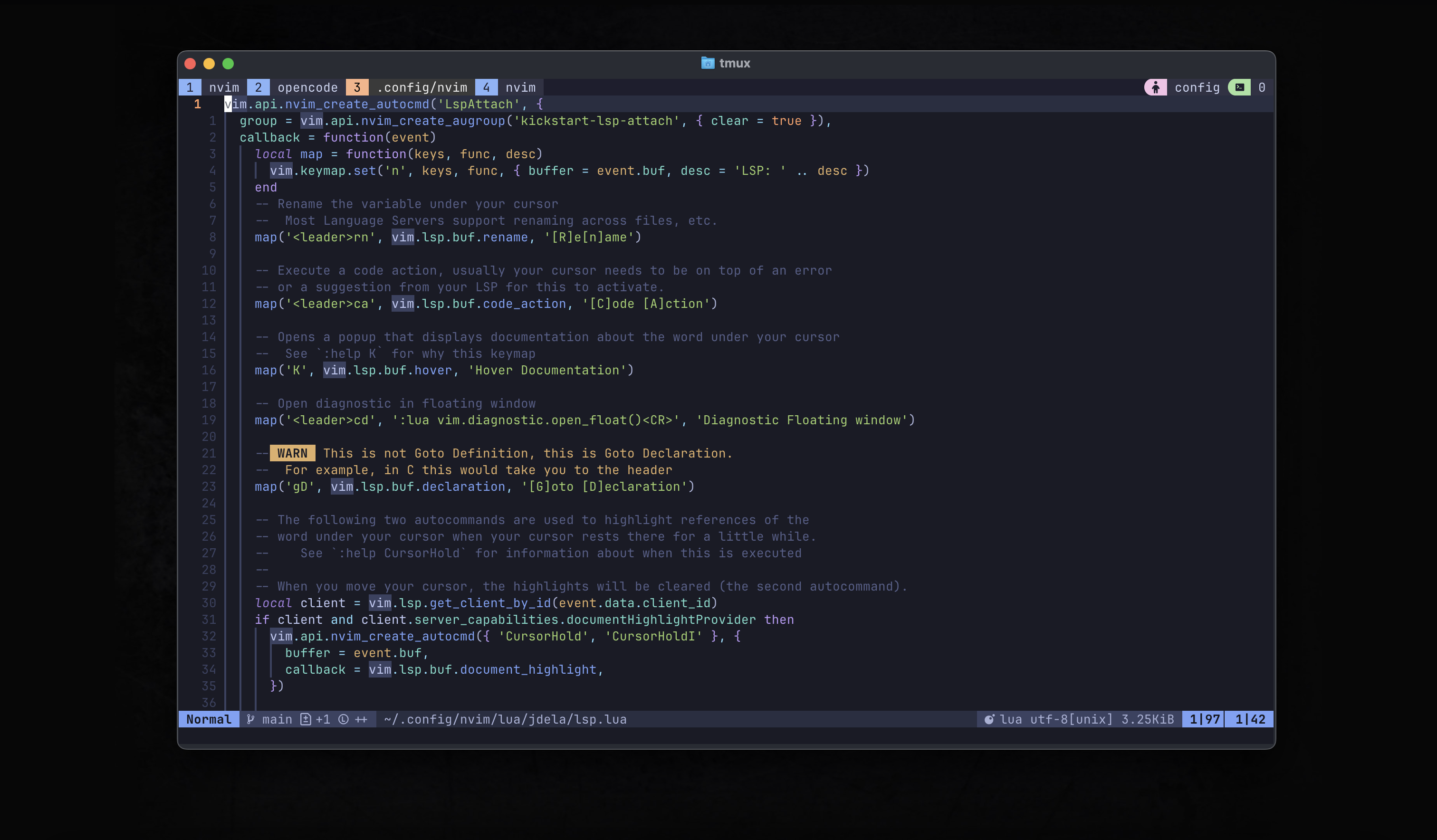
By far the biggest advantage of this switch that I’ve experienced is vim motions. The advantage (speed, efficiency) of mouse-free programming is something that I’m extremely happy I put the time in to learn. AI-Powered editors like Cursor are more popular these days, and I’m not sure if Neovim will keep up in terms of productivity. However vim motions are usually baked into other editors (VsCode plugin, JetBrains toggles). So even if Neovim is no longer my main driver, I’ll be taking the motions with me anywhere I go.
If you are interested in diving in, you can check out these resources.
- Neovim in 100 seconds
- Complete setup guide - by the legendary Tj DeVries
- Neovim for noobs
Kickstart nvim is a project that provides a minimal configuration that has most of what you’d expect in a basic IDE (lsp, autocomplete, etc)